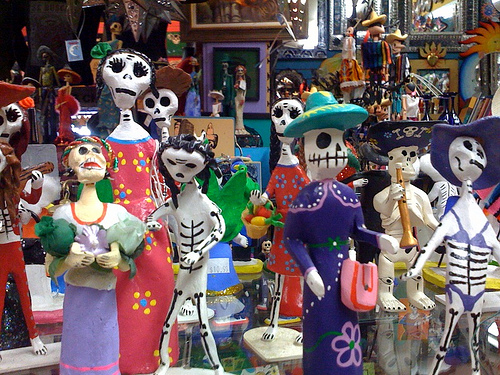
Creating an image hotspot

Embed a YouTube video or playlist

Here’s how to embed a video:

Click the Share link under the video.
Click the Embed link.
Copy the code provided in the expanded box.
Paste the code into your blog or website.

embed vide settings

This is how the video will appear on your page or post:

Here’s how to embed a playlist:

Click Playlists on the left side of your YouTube page
Click the playlist title you’d like to embed.
Click the Share link.
Click the Embed link.
Copy the embed code that appears in the menu below.
Paste the code into your website or blog.

embed youtube playlist

This is what the playlist will look like on your page or post:

Creating a YouTube playlist:

For more information on YouTube playlist settings go to the YouTube Support Page.


Working with images

 Adding an image from your computer

Screen Shot 2015-06-01 at 12.52.47 PM

Adding an image from your media library

Screen Shot 2015-06-01 at 12.48.27 PM

 Creating and editing image galleries

Screen Shot 2015-06-01 at 12.56.29 PM

 Editing Images

Screen Shot 2015-06-01 at 12.58.45 PM

Image Editor

Screen Shot 2015-06-01 at 1.01.39 PM

 Example Gallery with Fullscreen Galleria viewer

Activating Fullscreen Galleria Plugin 

Select Plugins from the left column menu in your WordPress Dashboard. Scroll down to the Fullscreen Galleria plugin and click Activate.

full screen galleria plugin

In the gallery settings menu, choose Media File from the Link to drop-down menu.

Edit gallery

Fullscreen Galleria options

Choose Fullscreen Galleria from the Dashboard Settings menu.

FS menu


The Fullscreen Galleria settings menu provides options for changing slide transitions, image overlay content and duration, and whether or not to show image thumbnails. Remember to save your settings.

FSoptions